Resize photos
right on your phone.
Shrink images to a smaller file size or specific dimensions in seconds — without uploads, accounts, or tracking. Your photos never leave your device.
Your photos never leave your device
Every operation — resizing, format conversion, metadata handling — runs locally on your device. No cloud uploads. No analytics. No accounts. You stay in control of what's kept and what's stripped.
Features
Built for the way you actually share photos.
Whether you're emailing a portfolio, posting to a forum with size limits, or freeing up storage — crunchy. gets it done in one tap and respects your privacy along the way.
Three smart modes
Quick one-tap shrink, manual percentage control, or "fit under N kilobytes" — crunchy. picks the best balance of resolution and quality for you.
EXIF metadata — your call
By default, GPS coordinates, camera model, and timestamps are stripped so you can share without leaking where or when. Want to keep them? Flip one toggle and the full EXIF data stays intact.
Batch up to 20 at once
Drop in a whole album, hit Continue, and crunchy. processes every photo in parallel — usually in seconds.
Every common format
Input JPG, PNG, WebP, HEIC, AVIF — output JPG, PNG, WebP, or keep the original format. Conversion is one tap away.
Made yours
Sixteen background hues, sixteen accents, six curated themes — plus light/dark mode, a randomizer, and a full color picker. Build the vibe you want.
Works offline
Once the app is loaded, you can disconnect entirely. No internet needed to shrink, convert, or export photos.
See it in action
From messy album to ready-to-send.
Six taps, give or take. Pick, choose how, watch it work, share. The interface stays calm and uncluttered no matter how many photos you throw at it.
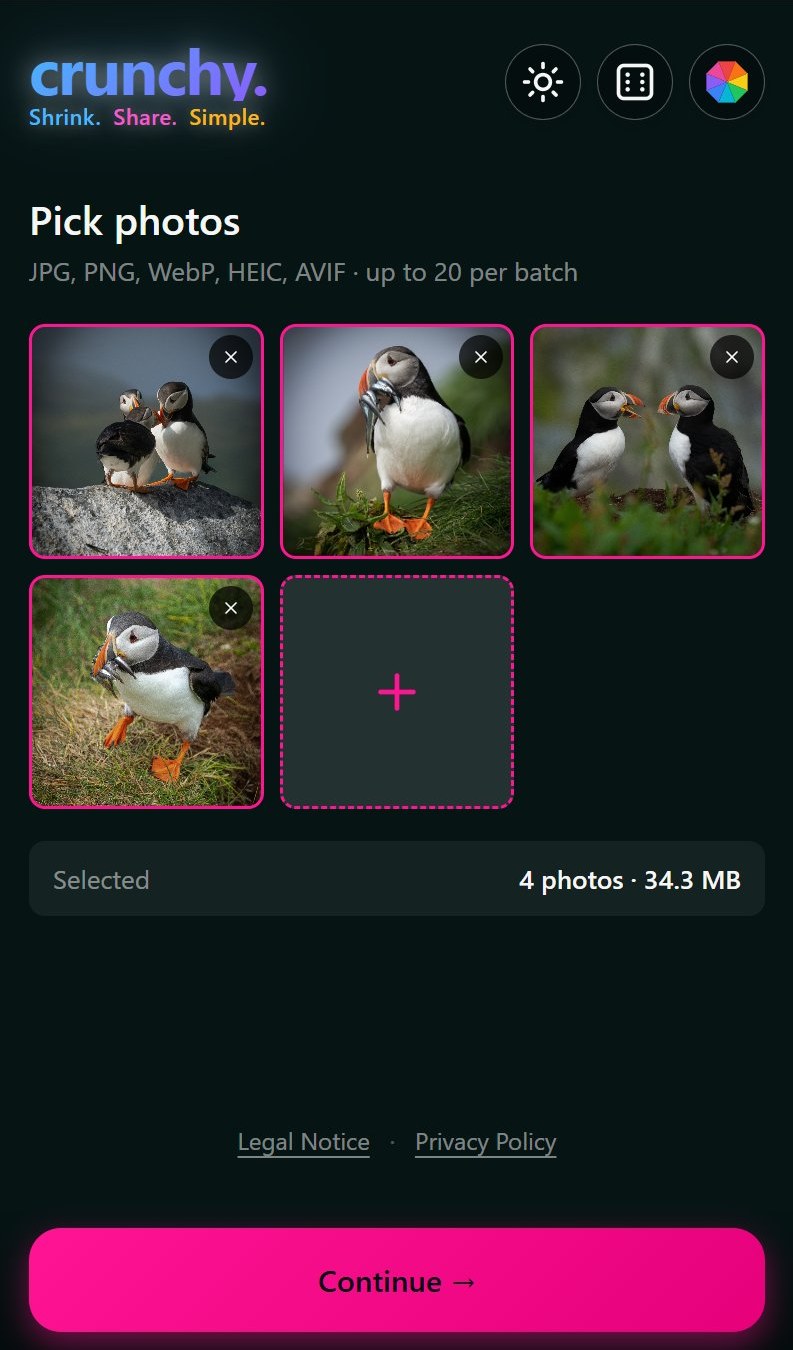
Pick photos
Up to 20 at once from your camera roll, or shared in from any app.
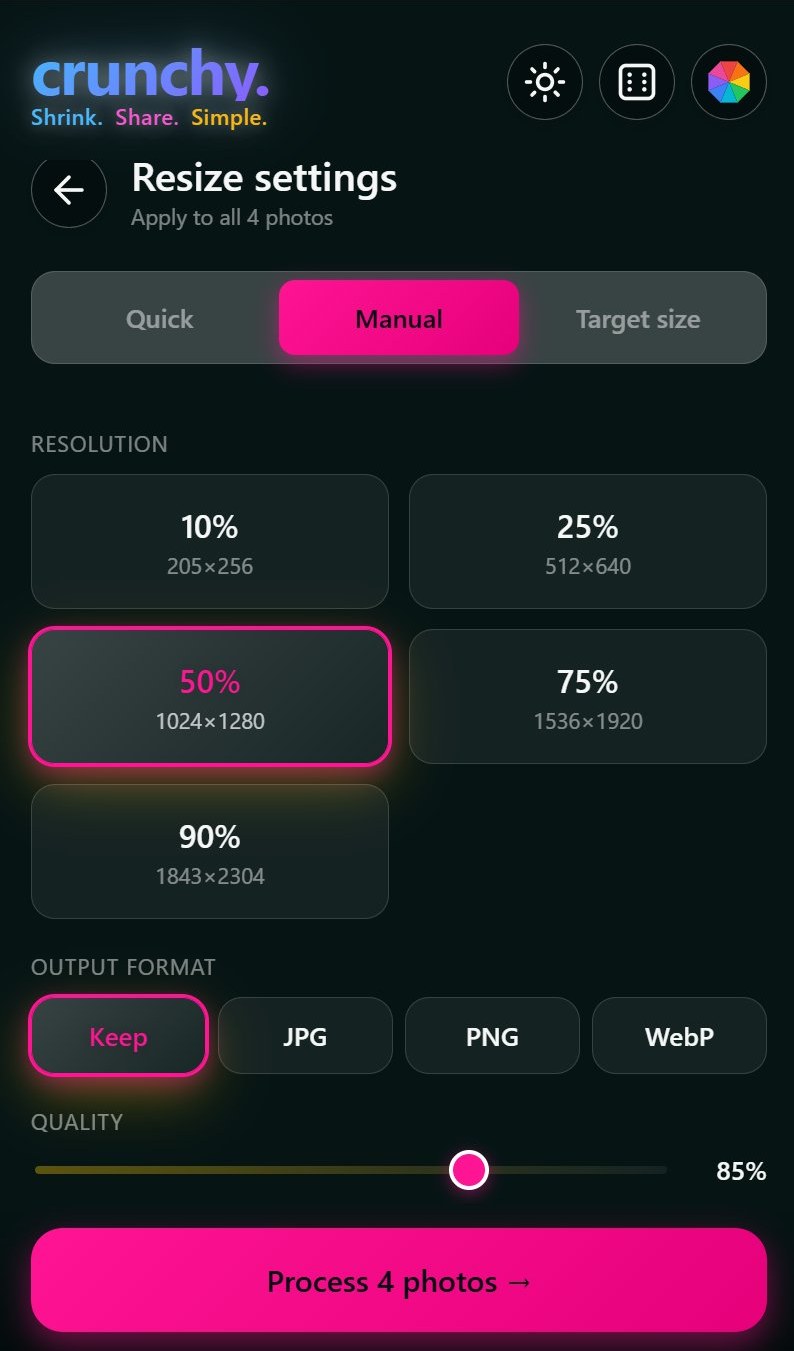
Choose how
Manual percentage, target file size, or one-tap Quick mode.
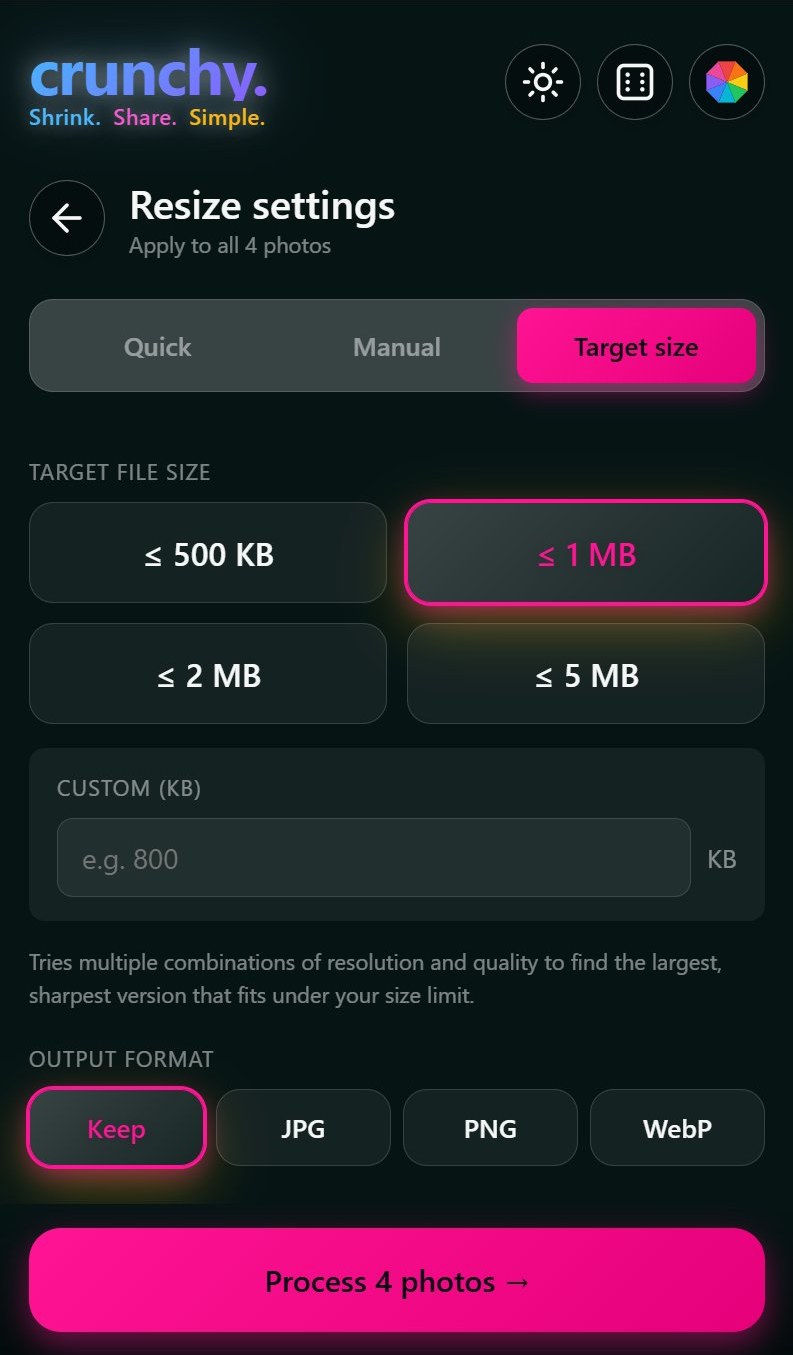
Hit a size limit
Tell crunchy. "under 1 MB" and it finds the sharpest version that fits.
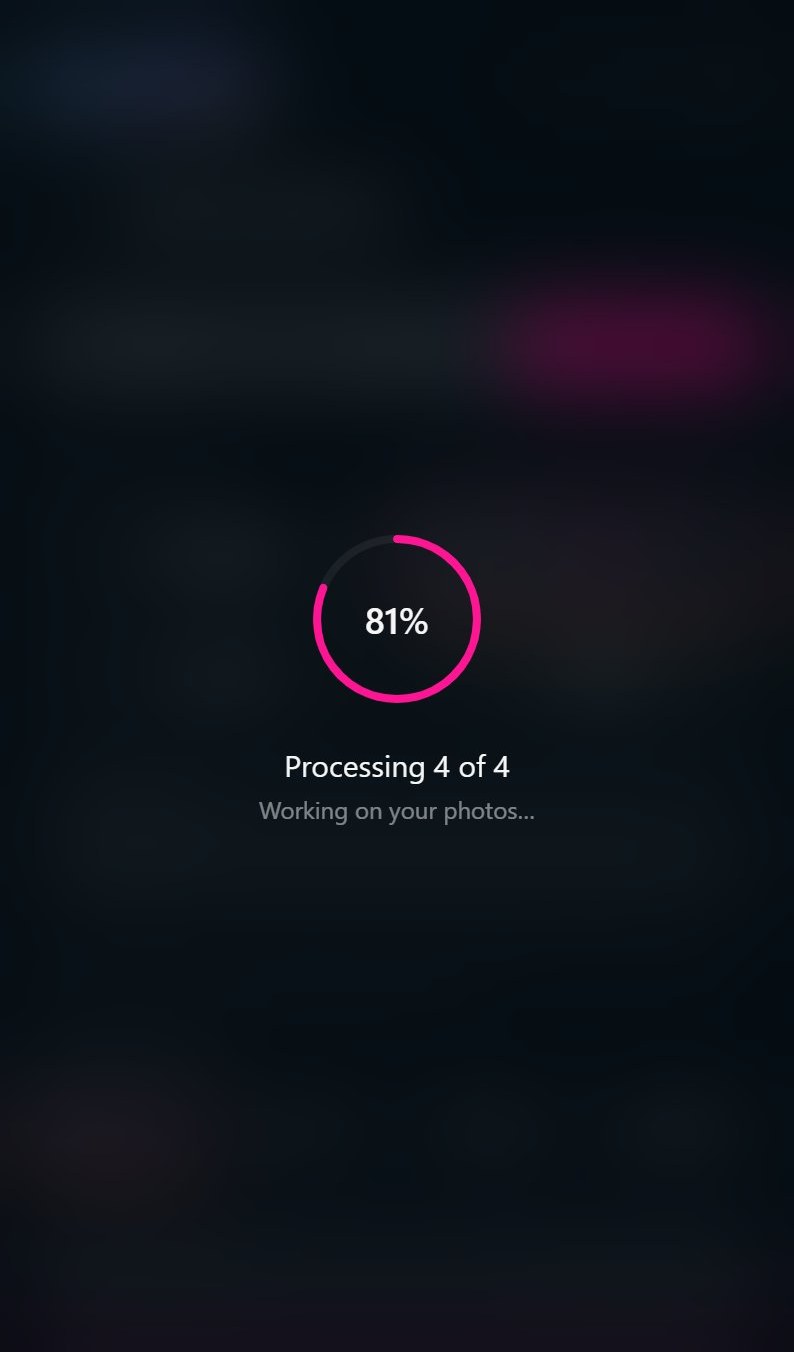
Watch it crunch
Parallel processing with a clean progress indicator. No spinners that lie.
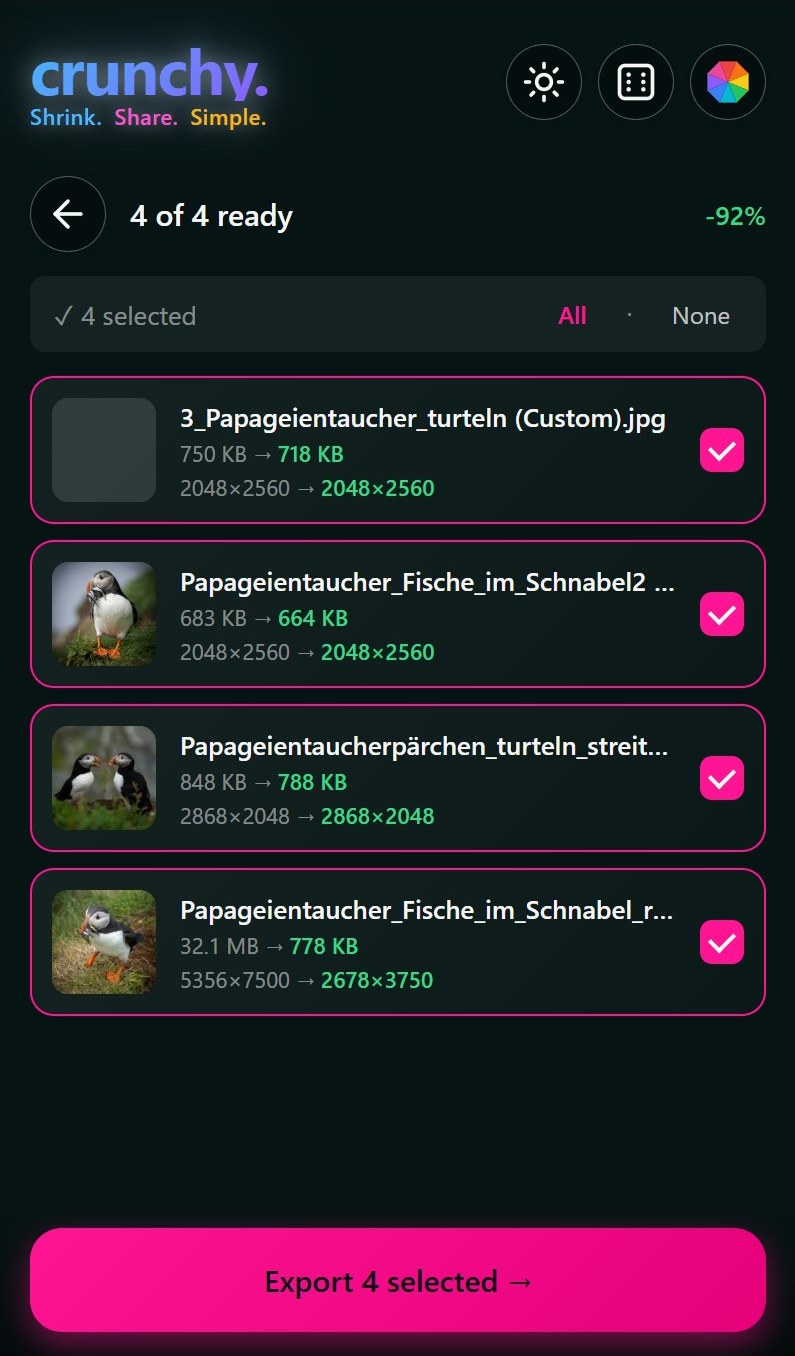
Review the savings
See before/after sizes and dimensions. Deselect anything you don't want.
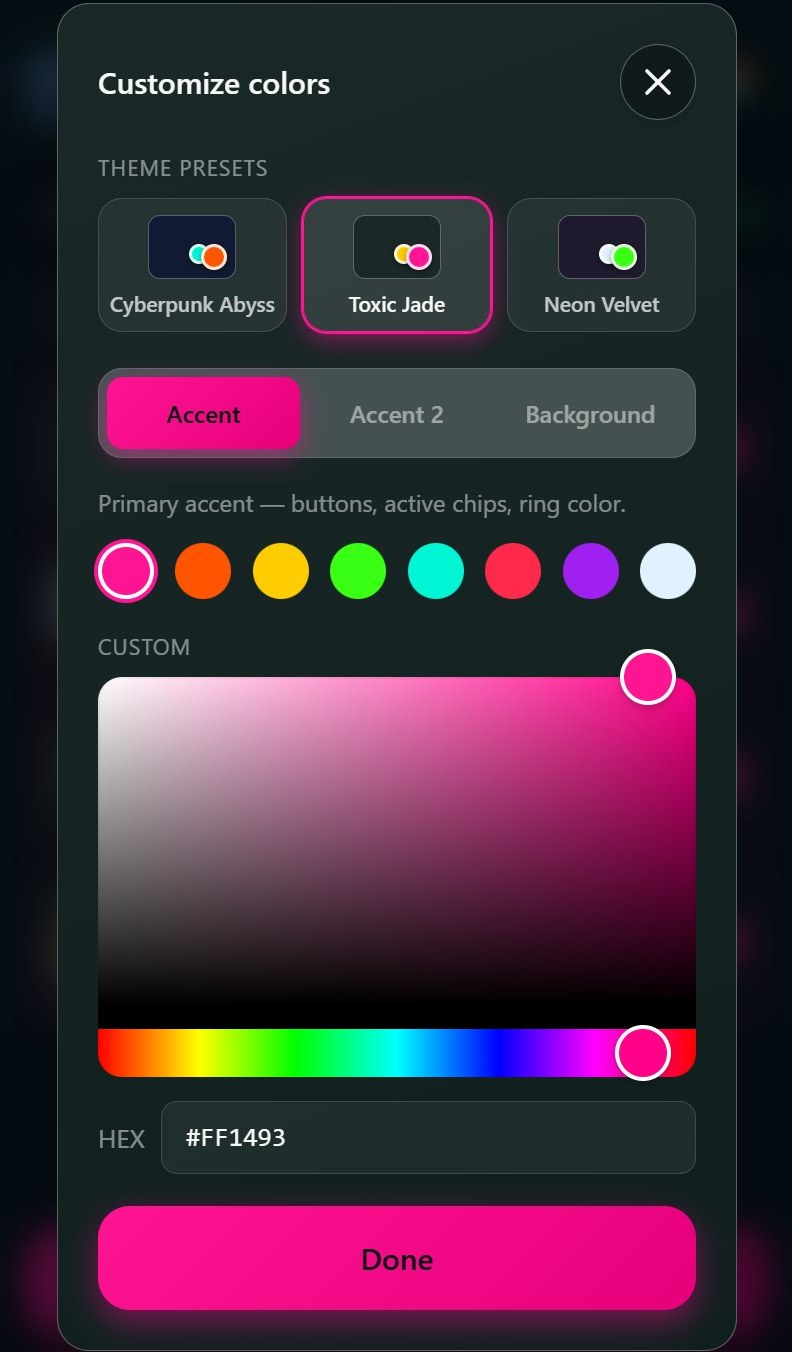
Make it yours
Curated themes, free color picking, EN/DE language toggle, light or dark.
How it works
Three steps. No fuss.
The whole experience is designed to get out of your way. No sign-up, no first-time setup, no advertising interrupting your flow.
Pick your photos
Open crunchy. on your phone, tap to load images from your camera roll, or share them in from another app. You can mix formats freely.
Choose how
Quick mode for sane defaults, Manual mode for full control, or Target mode if you have a specific file-size limit in mind.
Export & share
Save photos to your camera roll, bundle them into a zip, or hit Share to send them to messengers, e-mails and social media apps.
Ready to crunch?
Free, fast, and private. crunchy. runs entirely on your phone.